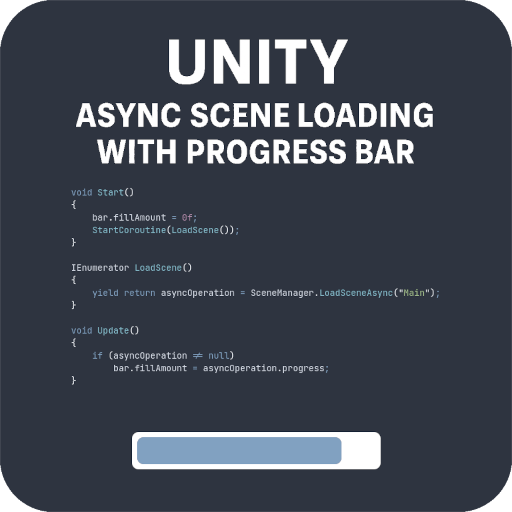
In Unity, loading large scenes synchronously can freeze the game. To fix this, you can load scenes asynchronously and show a loading progress bar. Here’s a simple script that demonstrates the concept:
C#
using UnityEngine;
using UnityEngine.UI;
using System.Collections;
using UnityEngine.SceneManagement;

public class AsyncLoadScene : MonoBehaviour
{
    public Image bar;
    private AsyncOperation asyncOperation = null;

    void Start()
    {
        bar.fillAmount = 0f;
        StartCoroutine(LoadScene());
    }

    IEnumerator LoadScene()
    {
        yield return asyncOperation = SceneManager.LoadSceneAsync("Main");
    }

    void Update()
    {
        if (asyncOperation != null)
            bar.fillAmount = asyncOperation.progress;
    }
}How it works:
- It uses
SceneManager.LoadSceneAsyncto load a scene called “Main” without freezing the game. - A
UI.Image(used as a fillable bar) visually displays the progress viaasyncOperation.progress.
Note:
This is just a test/demo to show how asynchronous scene loading works in Unity. In a production setup, you would never hardcode the name of the scene. Instead, you’d pass it dynamically, via a variable, a game manager, or a menu system.
To test:
Just assign the bar in the inspector, and this script handles the rest.